
Android App, start for free
Fake Chat Video& Screen Maker
Create stunningly realistic fake chat conversations in 15 styles and export them as screenshots or animated videos. No watermark, no ads, 100% private.

Features
Everything you need for the perfect fake chat
From chat creation to animated video export, Fake Chat Video is your all-in-one fake chat and video maker for Android.
Create fake chats
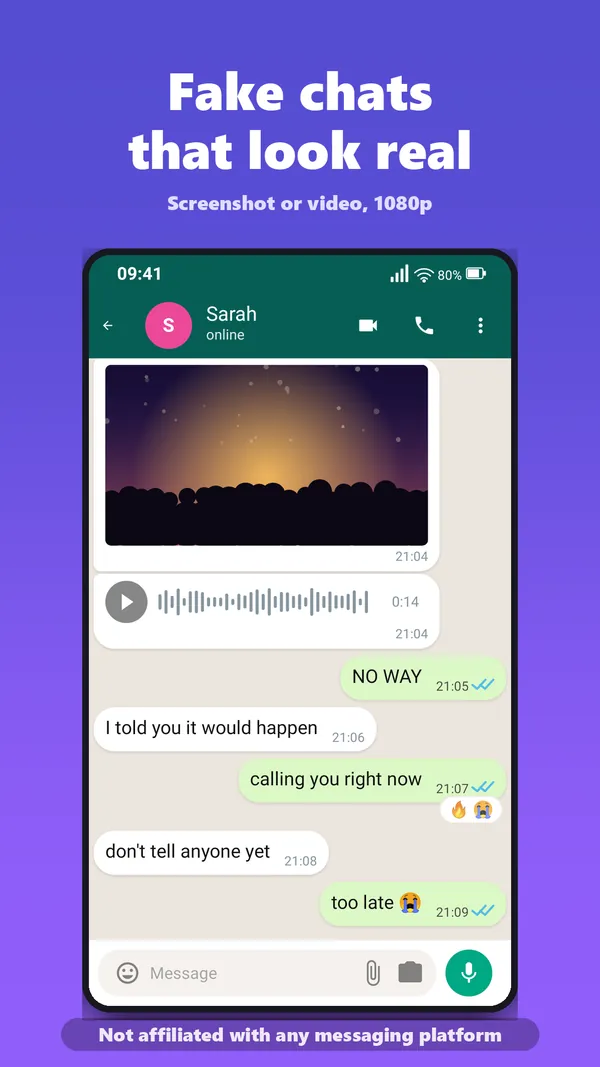
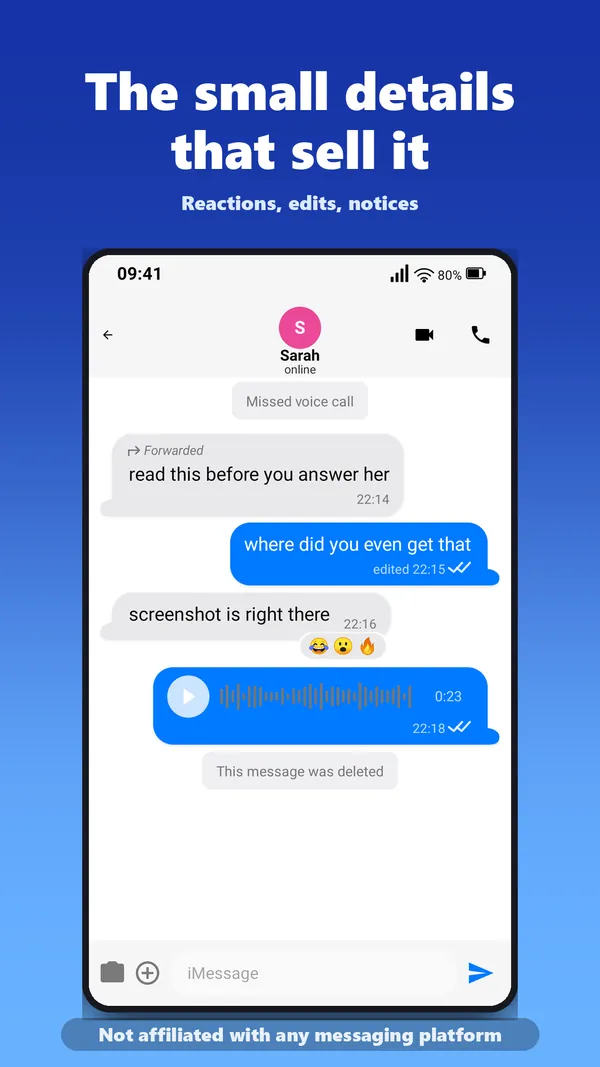
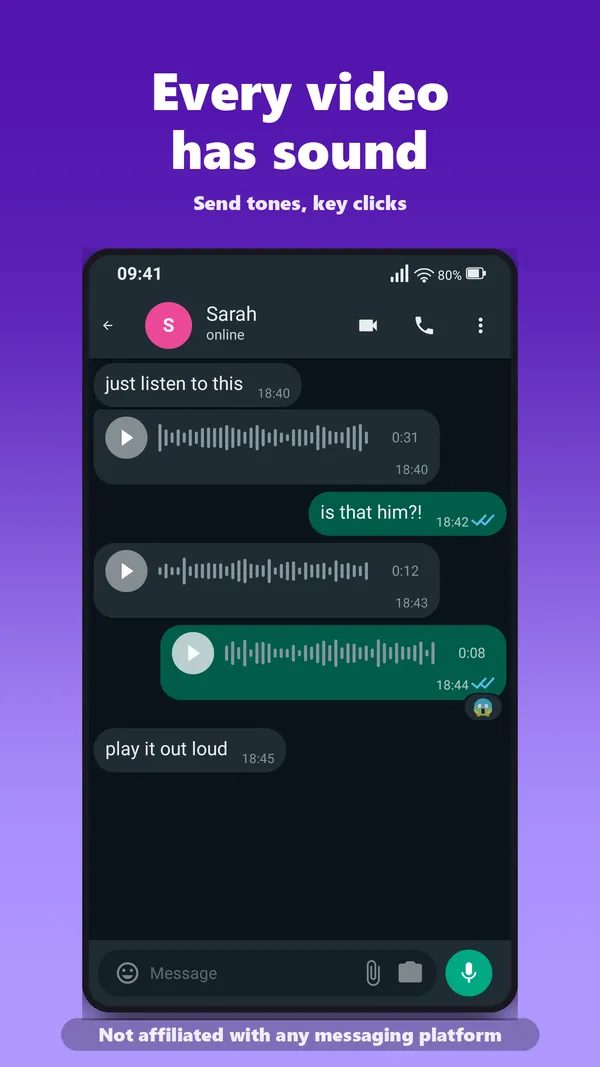
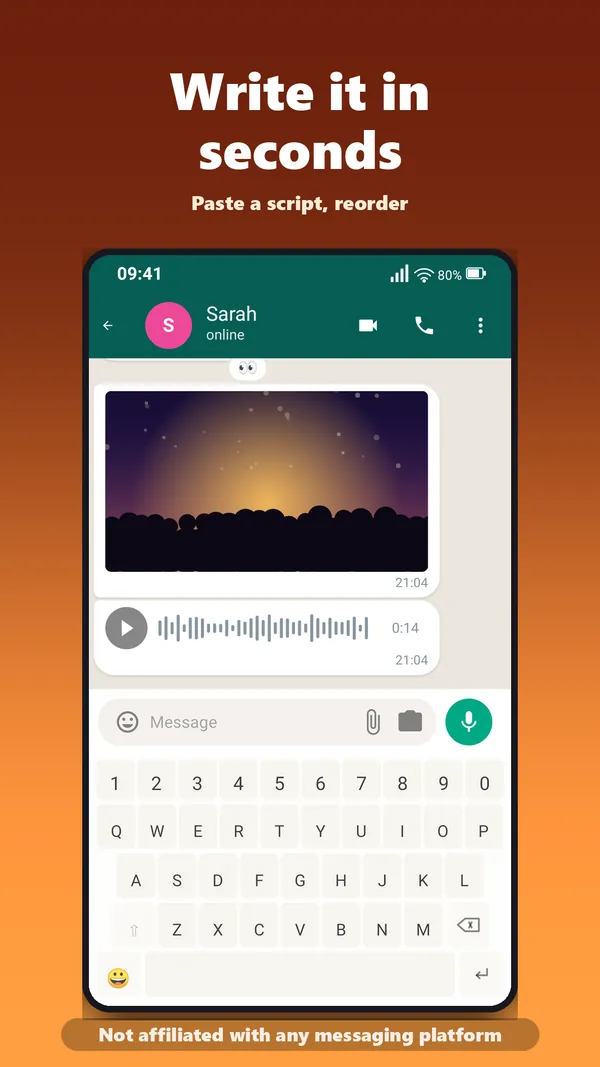
Realistic conversations with text, images, videos and voice messages. Read receipts, timestamps and typing indicator, just like the real thing.
15 chat styles
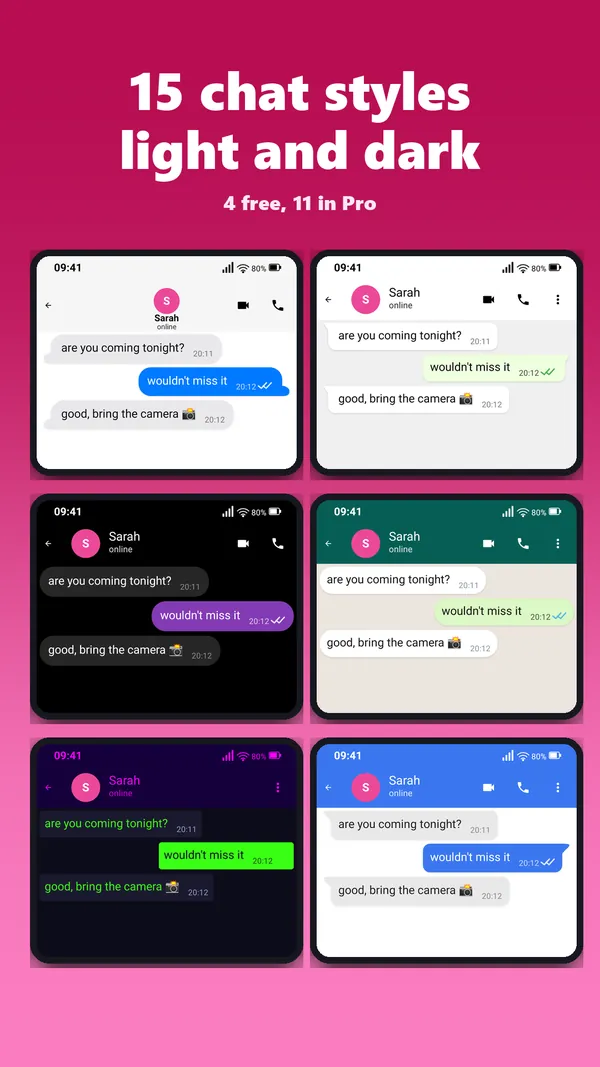
WhatsApp, iMessage, Telegram, Instagram DM, Facebook Messenger, Signal, Snapchat, Twitter/X DM and 7 more styles. Each with light and dark mode.
Screenshot export
Full HD screenshots without watermark for social media. Realistic status bar with time, battery and signal strength.
Video export
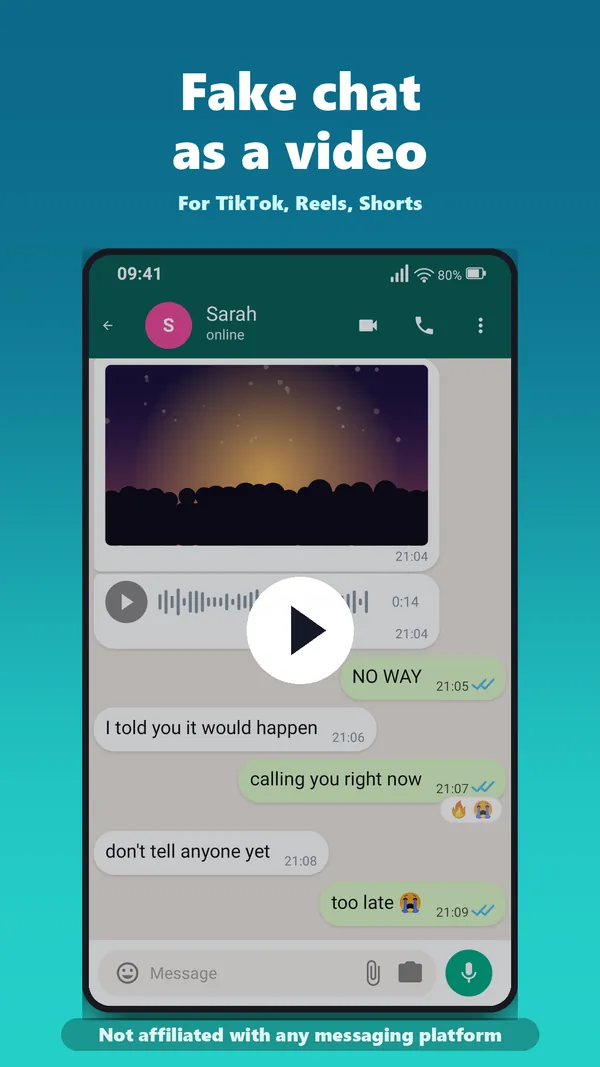
Animated chat videos with typing simulation and keyboard animation, now with send, receive and key sounds. Export as MP4 for TikTok, Reels and YouTube Shorts.
Full control
Drag and drop sorting, timestamps, avatars and dark mode per chat. Duplicate, edit and delete messages.
100% private
Everything stays local on your device. No login, no internet needed. No data is sent, your chats stay yours.
Voice-over for videos
Let the app read the messages aloud in your exported video. Turn a silent chat into a narrated clip, perfect for TikTok and Reels.
Made for TikTok
Add a hook title on top of the video and export a seamless loop. The finished file lands in your gallery, ready to upload to TikTok or Instagram.
Easy to start
A short guided intro, and an empty chat can start from a ready-made example at the tap of a button. First export in minutes, with no learning curve.
How it works
3 steps to the perfect fake chat
Create chat
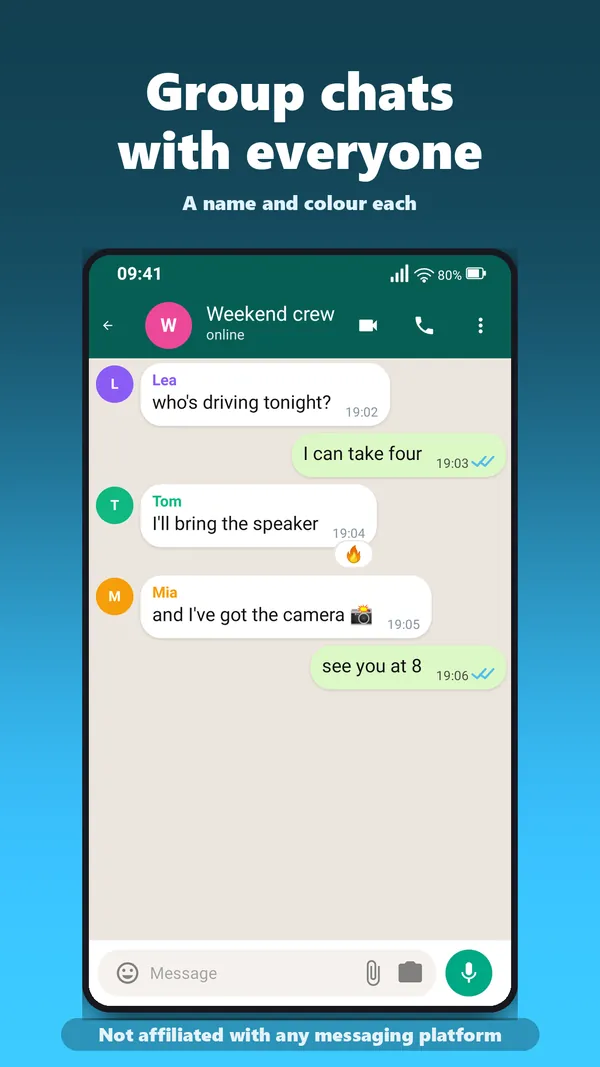
Add participants, choose a chat style and write messages: text, images, videos or voice messages.
Customize
Timestamps, read receipts, typing speed and dark mode. Every detail is adjustable.
Export
Export as a screenshot or animated video. The file is saved to your gallery, ready for TikTok, Instagram or YouTube.
Screenshots
See it in action
A look at Fake Chat Video, from the first chat to the finished video.
Trailer
Your story as a chat video
25 seconds that show what the app does, from the first message to the finished video.
Video in English with subtitles.
Watch on YouTube →Who is it for?
Built for creators and storytellers
Whether TikTok, film project or prank, Fake Chat Video delivers the perfect fake chat for any scenario.
Content creators
TikTok, Instagram Reels, YouTube Shorts
Storytellers
Tell visual stories
Marketing
Product demos, social proof
Pranks and fun
Surprise your friends
Film and theater
Realistic chat props
Why Fake Chat Video?
No ads
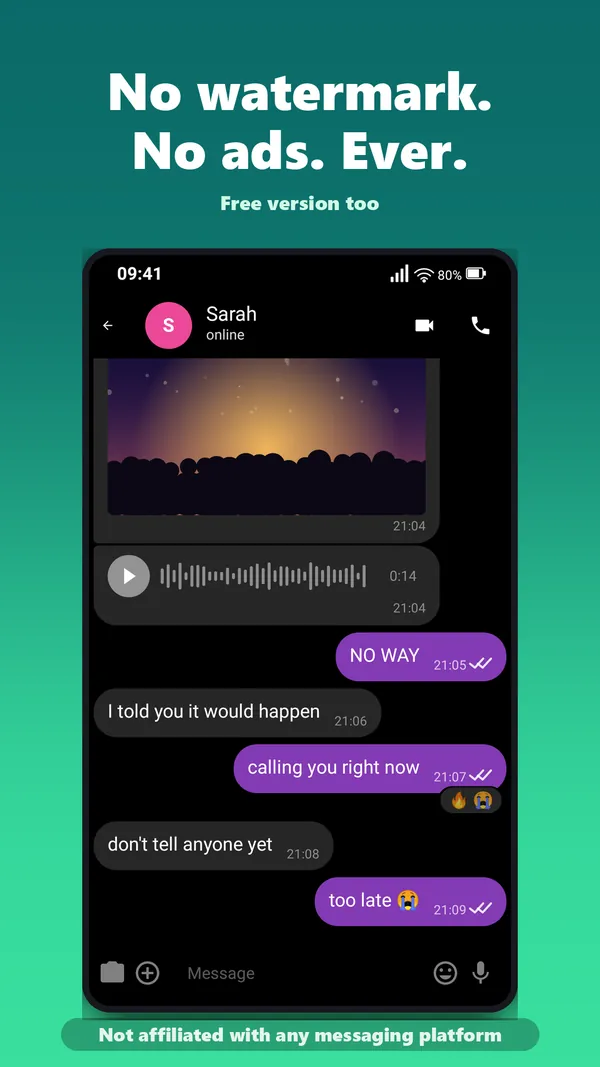
No banners, no pop-ups, no tracking ads. We earn through the Pro version, not through your data.
Privacy made in Germany
GDPR compliant. Built in Rudolstadt, Thuringia. All data stays on your device.
100% private
No login, no account, no registration. Install and start right away.
Digitale Manufaktur Rudolstadt
Indie developers from Thuringia. Fair pricing, no subscription. One purchase, lifetime use.
Pricing
Start for free
No subscription. No fine print. Pay once, use forever.
Free
Free forever
- 4 chat styles (WhatsApp, iMessage, Telegram, Instagram DM)
- Video export (portrait)
- Screenshot export
- No watermark
- Unlimited conversations and 11 premium styles
- Square, 16:9 landscape and voice-over
★ Pro
No subscription, pay once, use forever
- Unlimited conversations and all 15 chat styles
- Square, 16:9 landscape and voice-over
- Screenshot export
- No watermark
- 11 premium styles (Messenger, Signal, Snapchat, X DM, Neon Glow and more)
- All future updates included
FAQ
Frequently asked questions
Everything you need to know about creating fake chats and exporting them as videos.
How do I create a fake chat video?
Open Fake Chat Video, add the chat participants, pick one of 15 chat styles, type the messages and set timestamps and read receipts. Then export the conversation as a screenshot or as an animated MP4 video with typing animation.
Is Fake Chat Video free?
Yes, the app is free with 4 chat styles and portrait video export. The Pro version with all 15 styles and all video formats is a one-time purchase of 7.99 EUR, with no subscription and no ads.
Do the exported chats have a watermark?
No. Screenshots and videos are exported without any watermark, in both the free and the Pro version.
Is my data collected?
No. Fake Chat Video works 100% offline. No login, no internet required. All data stays on your device.
Can I use the videos on TikTok and Instagram Reels?
Yes. The video export produces standard MP4 files in portrait format, and with Pro also in square or 16:9 landscape. You can add a hook title and a seamless loop, and the finished file is saved to your gallery, from where you upload it to TikTok, Instagram Reels or YouTube Shorts.
Which chat styles are available?
15 styles: WhatsApp, iMessage, Telegram, Instagram DM (free) plus Facebook Messenger, Signal, Snapchat, Twitter/X DM, Classic SMS, Gradient, Minimal Dark, Pink Dream, Neon Glow, Steampunk and Candy Pop (Pro).
Can the app read the messages aloud?
Yes. The voice-over feature reads the chat messages aloud in the exported video, so you get a narrated clip without recording anything yourself.
By platform
Pick the look you need
Every chat style has its own quirks: bubbles, ticks, timestamps. These guides walk through each one.
Fake WhatsApp Chat Generator
Green bubbles, blue ticks, the status bar: how to get a WhatsApp chat that survives a second look.
Fake iMessage Generator
Blue and grey bubbles, delivery notes, iPhone typography, even if you are on Android.
Fake Telegram Chat Generator
Telegram’s own layout, timestamps and read marks, ready for video or screenshot.
Fake Text Message Video Maker
Turn a chat into a texting story: message by message, timed, exported as video.
Get started
Ready for your first fake chat?
Download Fake Chat Video for free from the Google Play Store and create your first chat in minutes, as a screenshot or animated video.
▶ Free on Google PlayFake Chat Video is not affiliated with or endorsed by WhatsApp, iMessage, Telegram, Instagram, Facebook, Signal, Snapchat or X/Twitter. All mentioned trademarks belong to their respective owners. The app is intended solely for entertainment and creative purposes.